Why I'm Writing This
Most Terraform import guides show the happy path. This one doesn't. I had a Static Web App running in production and wanted it under Terraform. The same resource group also had an Automation Account, and aztfexport pulled that in too. It took a lot of cleanup to get to a clean plan, and I nearly broke production twice on the way.
The screenshots are redrawn from my terminal output. Resource group, site, domain and repo names are replaced with placeholders.
Prerequisites
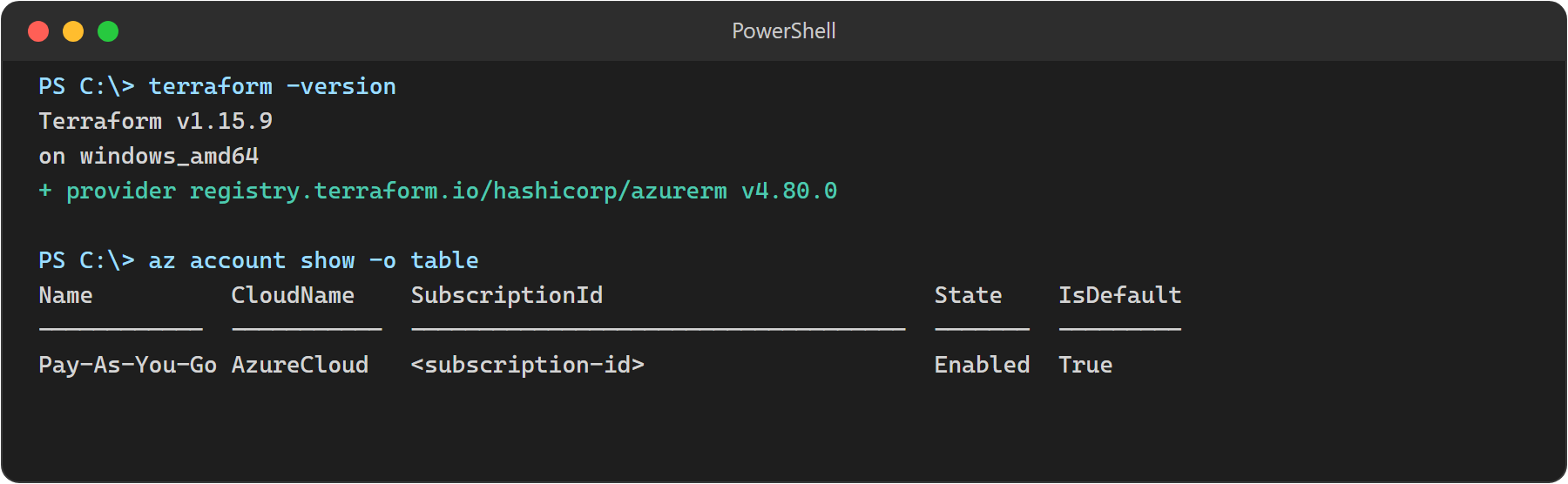
- Terraform 1.5+ (I used 1.15.9)
azurermprovider 4.80.0, which is what aztfexport pinned- Azure CLI, logged in with
az login aztfexport- The
staticwebappAzure CLI extension
Step 1 — az webapp list Returned Nothing
I started with the command I always use:
az webapp list --query "[].{name:name, rg:resourceGroup}" -o tableEmpty table. No error, just a 32-bit Python warning from the cryptography package.
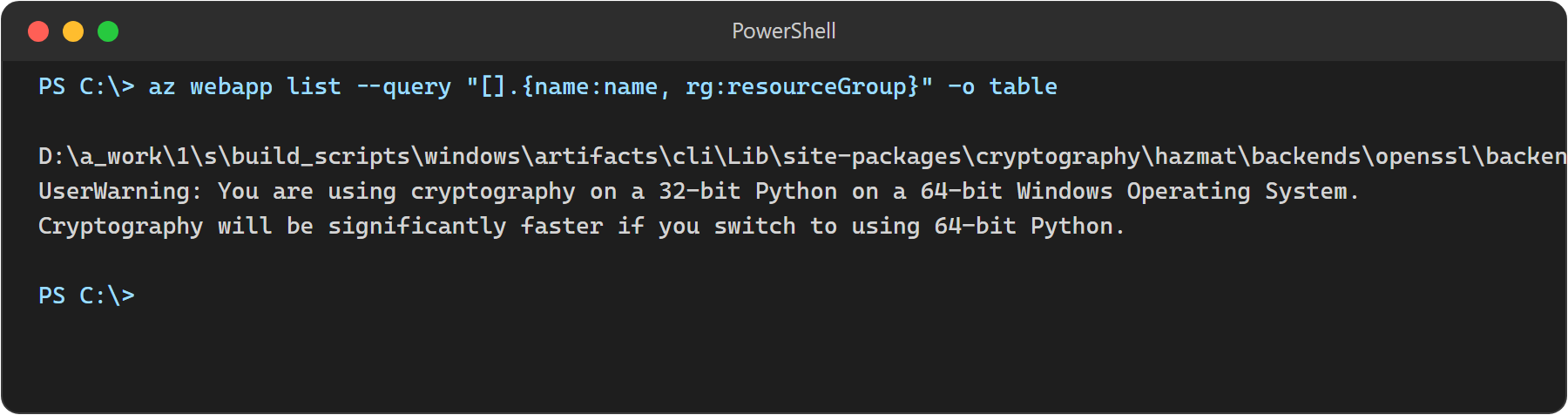
The reason: az webapp list only covers App Service (Microsoft.Web/sites). Static Web Apps are Microsoft.Web/staticSites and need their own extension:
az extension add --name staticwebapp
az staticwebapp list --query "[].{name:name, rg:resourceGroup}" -o table
That found it.
Step 2 — Install aztfexport
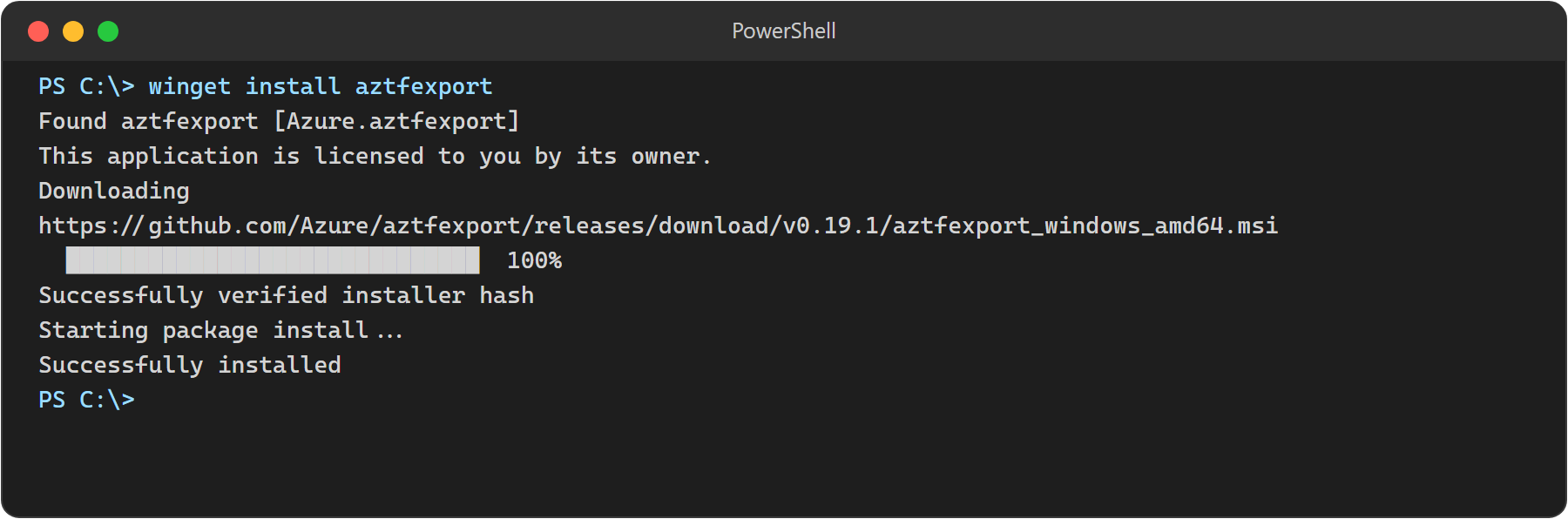
winget install aztfexportRestart your terminal after the install. Otherwise the command isn't on PATH yet and you get "not recognised".
Step 3 — Export the Resource Group
I exported the whole resource group, not just the Static Web App:
aztfexport resource-group rg-exampleThe TUI shows every resource and the Terraform type it maps to. Everything is selected by default. I pressed w.
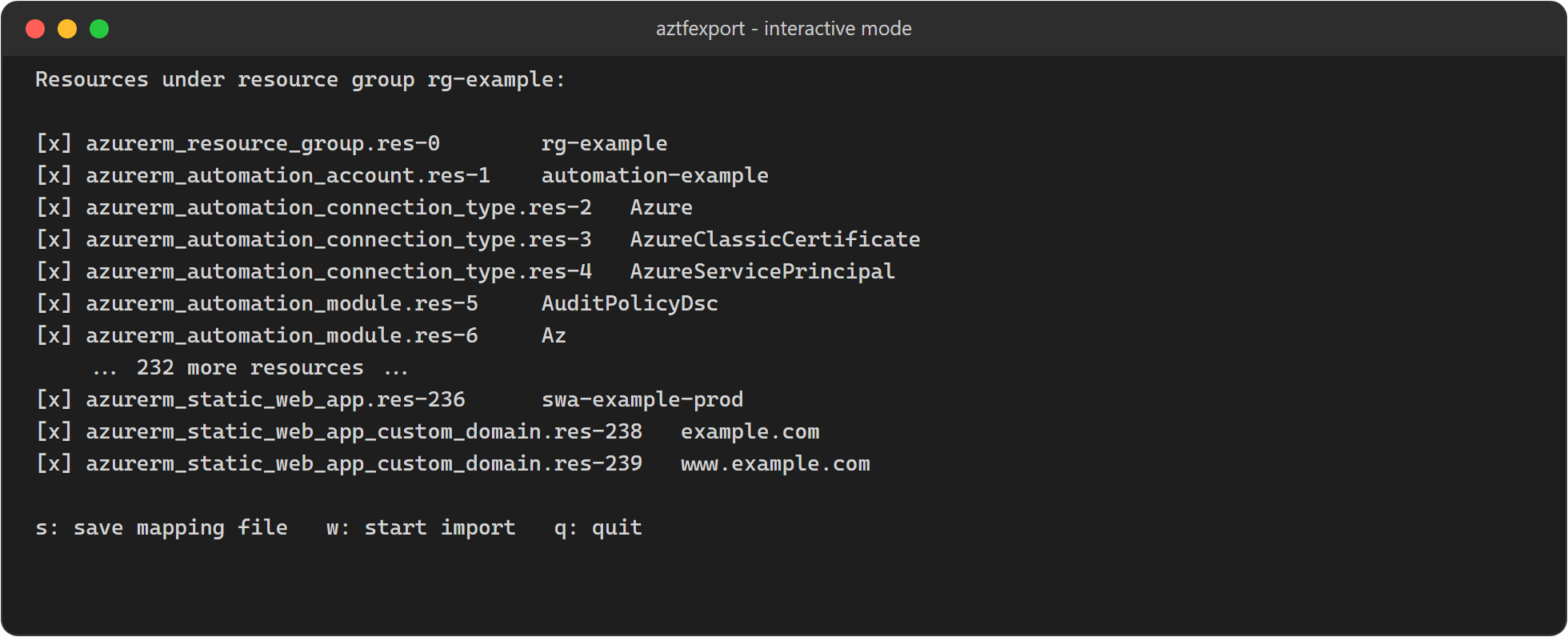
What I missed was the Automation Account in that group. I only use it for one runbook, but Azure creates a lot of defaults with every Automation Account: 196 PowerShell modules, six runtime environments, three connection types and two tutorial runbooks. aztfexport exported all of it. 239 resources in total.
Step 4 — terraform plan: 200+ Errors
terraform planOver 200 errors, in three groups:
azurerm_automation_moduleandazurerm_automation_powershell72_module: "at least 1 module_link blocks are required". Azure doesn't return acontent_urifor its built-in modules.azurerm_automation_runtime_environment_package: "expected content_uri url to not be empty". Same cause, from the built-inPowerShell-5.1runtime environment.azurerm_static_web_app:repository_branch,repository_tokenandrepository_urlmust be set together. Azure returns the branch and URL, but never the GitHub token.
Lesson: exporting a resource group gives you everything in it, including Azure defaults that can't be written as valid Terraform.
Step 5 — Remove the Automation Defaults
PowerShell has no grep. Select-String does the same job:
terraform state list | Select-String automation_module | ForEach-Object { terraform state rm $_.Line }
terraform state list | Select-String automation_powershell72_module | ForEach-Object { terraform state rm $_.Line }
terraform state list | Select-String automation_runtime_environment | ForEach-Object { terraform state rm $_.Line }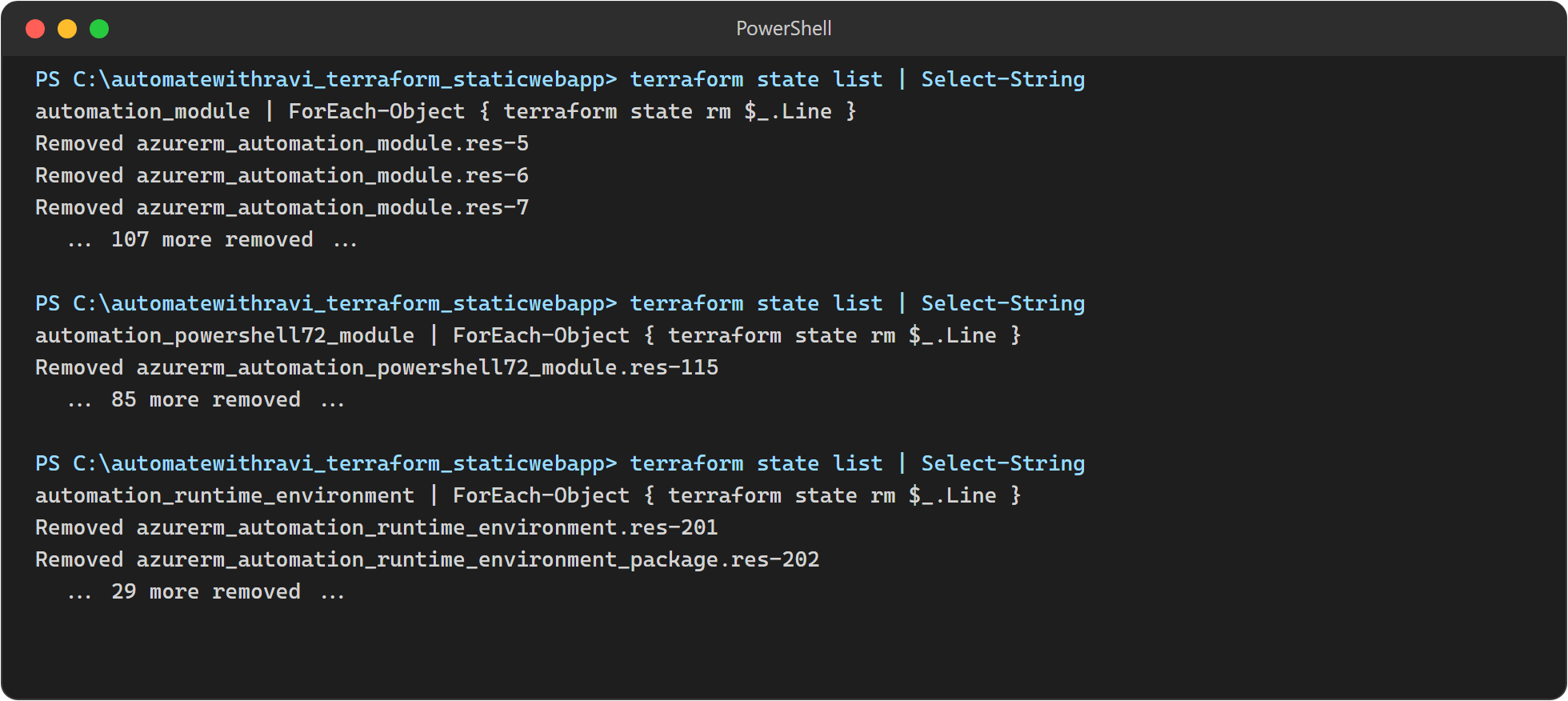
Gotcha: terraform state rm only removes from state. The resource blocks stay in main.tf, and if you leave them there the next plan tries to create them all. So I also removed the matching resource blocks from main.tf, over 200 of them.
Step 6 — The repository_token Near-Miss
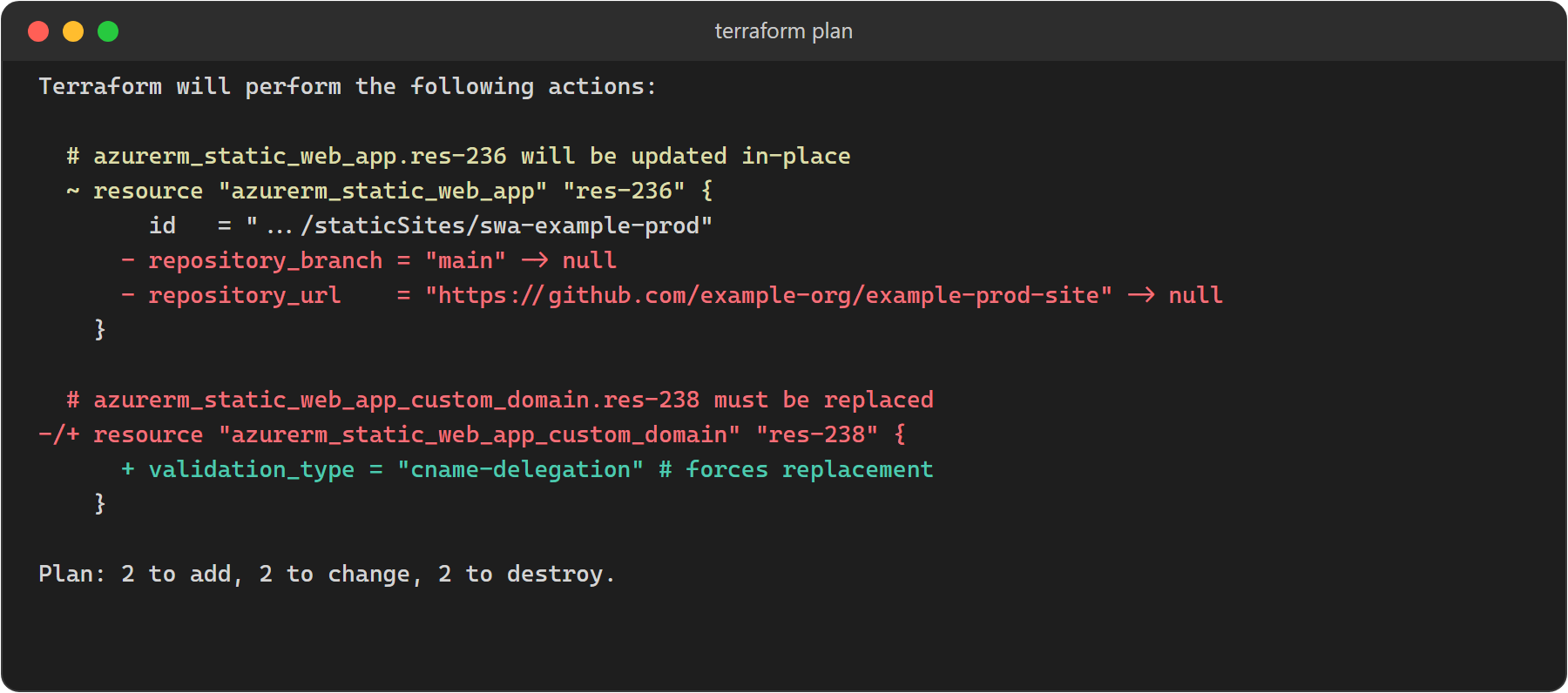
For the token error, I first deleted repository_branch and repository_url from the config. Bad idea. The plan set both to null, which would have unlinked GitHub Actions from my production site.
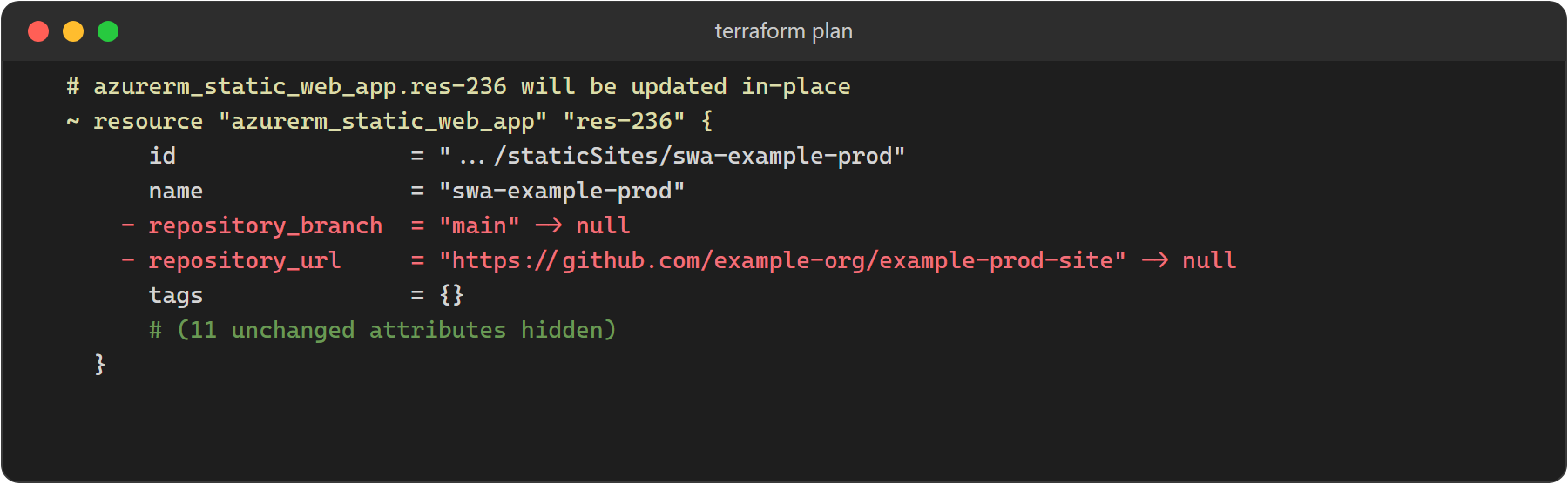
What worked: put the real branch and URL back, add a placeholder token (the schema needs all three), and wrap them in ignore_changes so Terraform never touches them.
resource "azurerm_static_web_app" "swa" {
  # ...
  repository_branch = "main"
  repository_url    = "https://github.com/example-org/example-prod-site"
  repository_token  = "managed-outside-terraform"

  lifecycle {
    ignore_changes = [repository_branch, repository_url, repository_token]
  }
}
Step 7 — Custom Domain validation_type
Both custom domains (example.com and www.example.com) were exported with an empty validation_type. I set "cname-delegation". The plan wanted to destroy and recreate both live domains (-/+ must be replaced).
Then I removed validation_type completely. Terraform wouldn't plan, because it's a required argument.
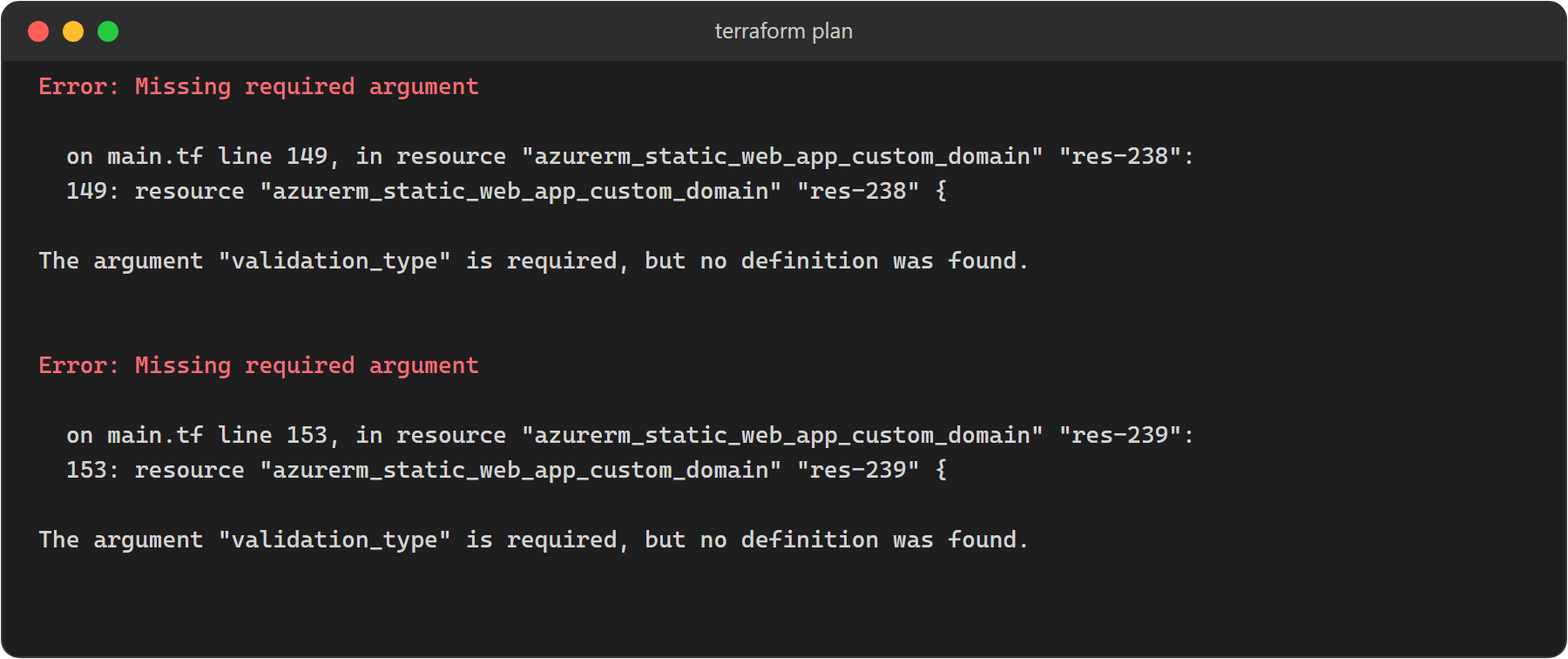
Azure doesn't return validation_type once a domain is validated, so there's no safe value to put in. I removed both domains from state and config and left them outside Terraform.
Step 8 — Connection Type Field Ordering
The three default connection types (Azure, AzureClassicCertificate, AzureServicePrincipal) showed changes on every plan. The field blocks looked like they were being renamed.
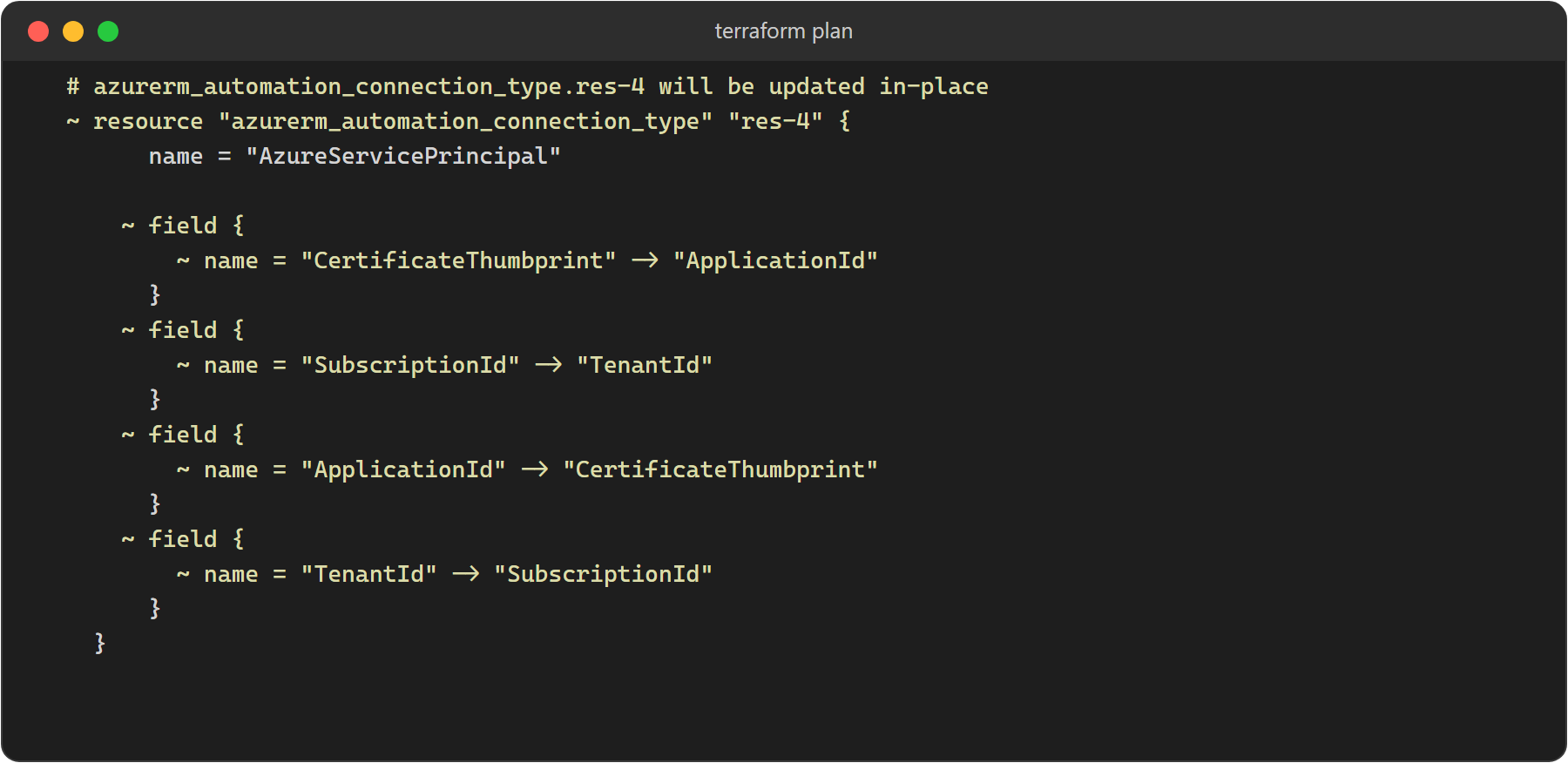
Nothing had changed. The provider treats field blocks as an ordered list, and Azure returns them in a different order from the HCL. These are Azure defaults I never configured, so they went the same way as the modules: terraform state rm for all three, and their blocks removed from main.tf. The next plan no longer showed them.
Step 9 — Clean Plan
Plan: 0 to add, 1 to change, 0 to destroy.The one change is whitespace in the stored content of Azure's graphical tutorial runbook. Harmless.
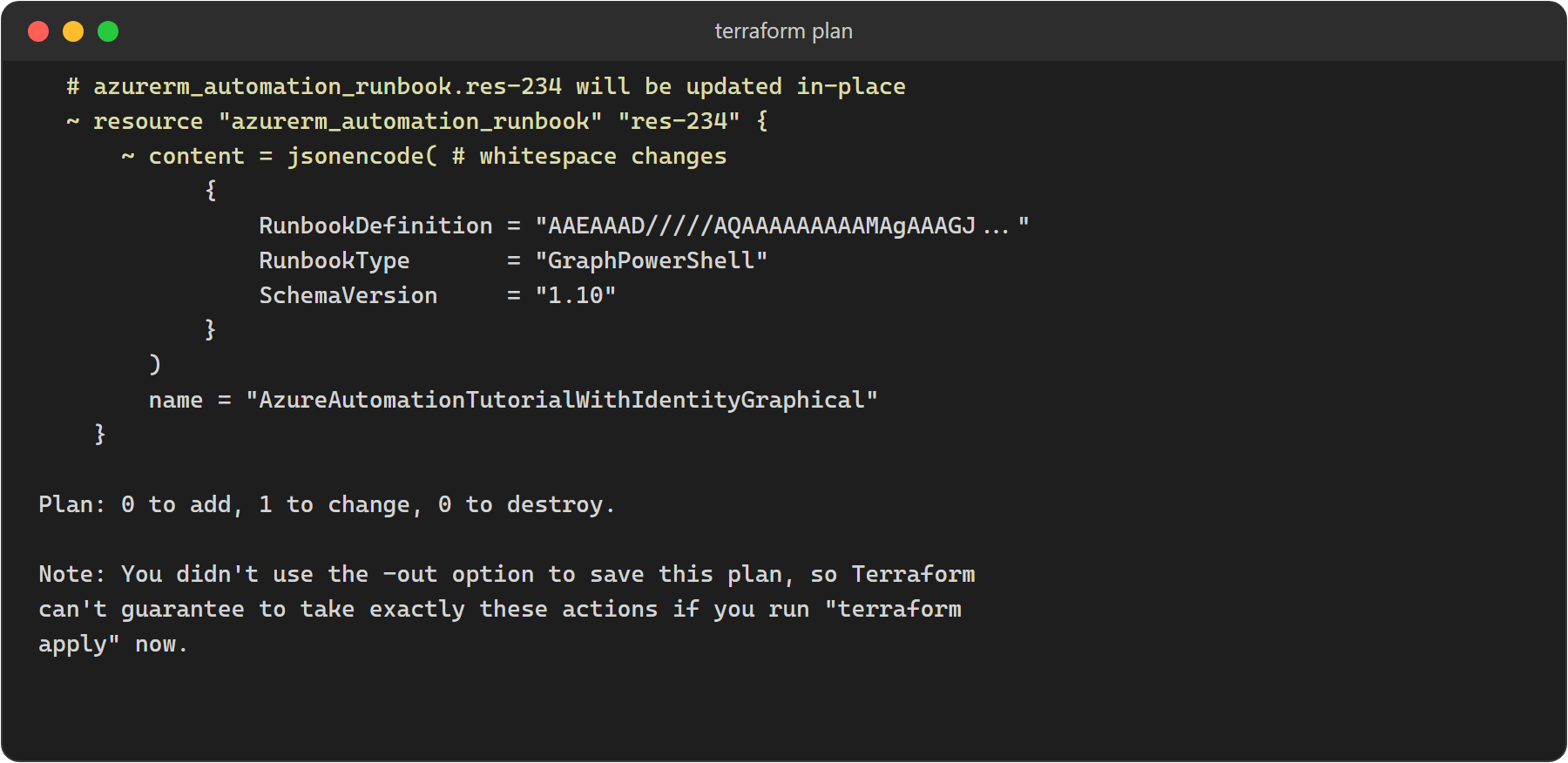
terraform apply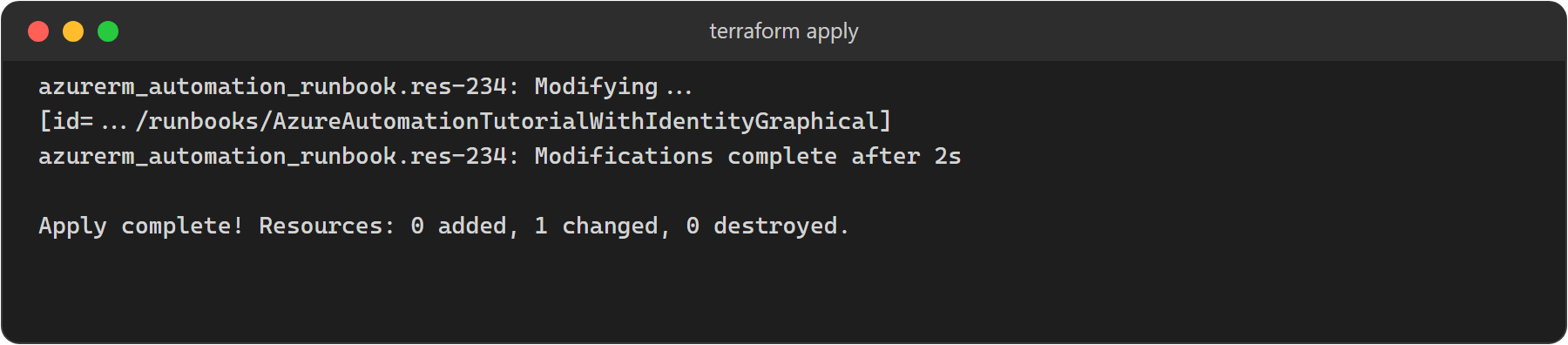
Can This Rebuild From Scratch?
No, not as it stands. This config manages what already exists. Two things would fail on an empty subscription:
- GitHub link. The token is a placeholder, and Azure validates the token when it creates a new GitHub-linked Static Web App. For a rebuild, pass a real PAT in as a sensitive variable, then let
ignore_changestake over. - Custom domains. They're not in the config any more. Domain validation needs the Static Web App to exist first, so create the app, validate DNS, then import the domains.
The resource group, Automation Account, runbooks and identity would rebuild fine. Azure recreates its own defaults on a new Automation Account.
Lessons Learned
az webappandaz staticwebappare different command groups. Check which one you need.- Exporting a resource group brings in Azure's default resources. Scope the export, or plan for the cleanup.
terraform state rmdoesn't touchmain.tf. Remove the config block too, or the next plan tries to create everything again.- Some values can't be read back from Azure, like
repository_tokenandvalidation_type. Don't guess them. Leave that piece out of Terraform, or protect it withignore_changes. - "Forces replacement" on a live resource means stop and check.
Where I Landed
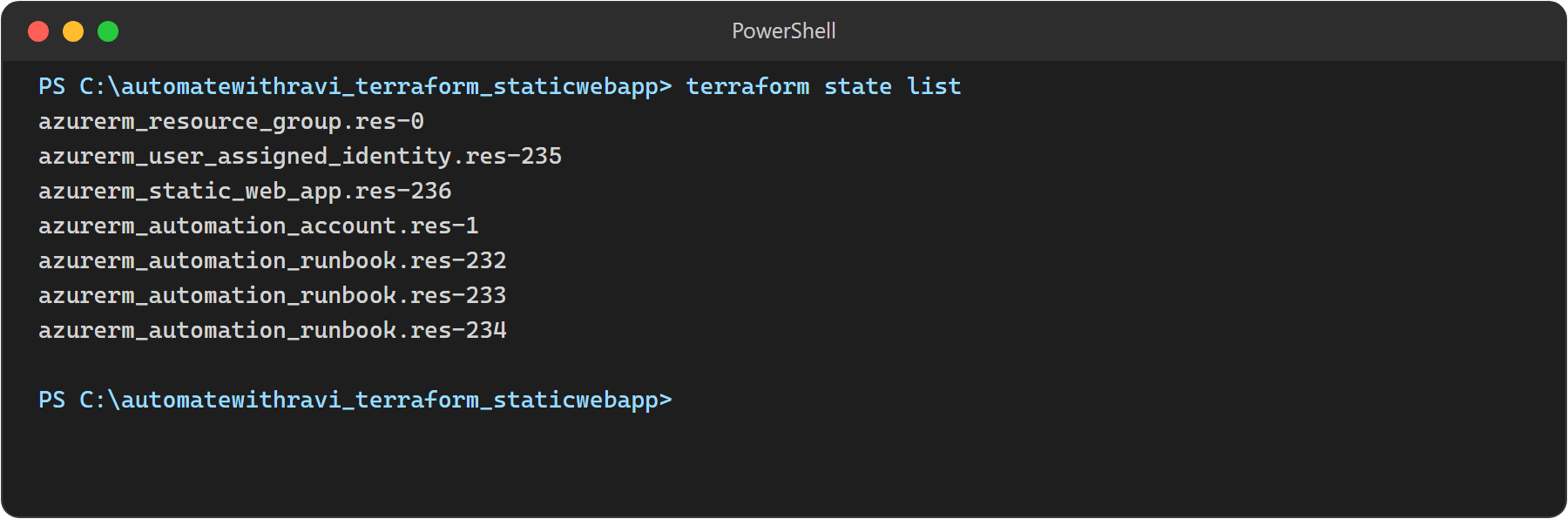
main.tf now has seven resources, down from 239: the resource group, the Automation Account, my runbook, Azure's two tutorial runbooks, the user-assigned identity, and the Static Web App with its GitHub link protected.